
Prepared for Island Snow, Kailua
Keep the line. Lose the waiting.
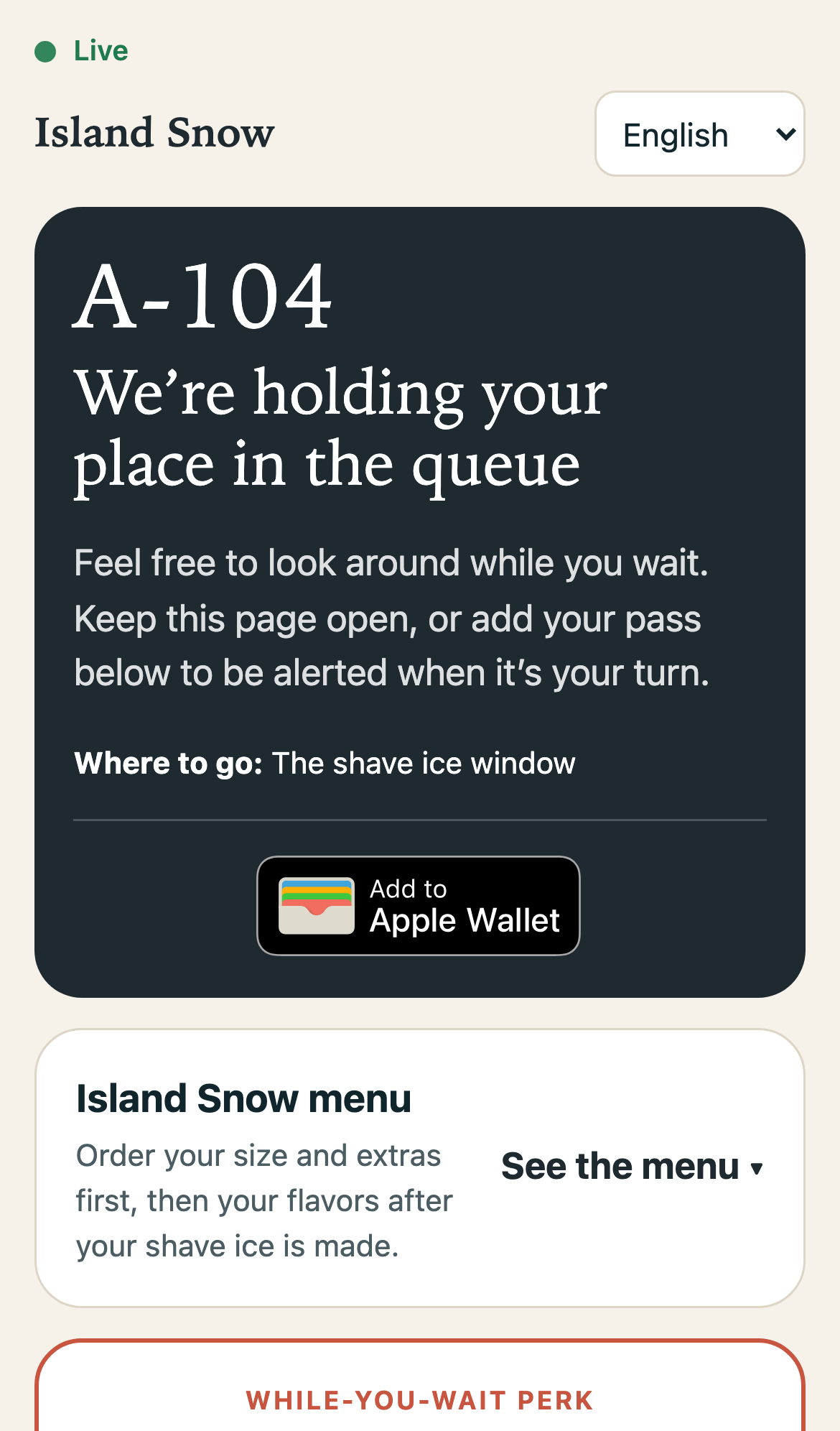
Customers scan a QR code at the window and their place in line is held. Instead of standing outside, they shop the Island Snow store, look through the flavors and watch your videos. Their phone tells them when it’s their turn.
No app. No account. No card. In English, 日本語, 한국어, 繁體中文, 简体中文 and Español, for every visitor to Kailua.
How it works
Scan and hold your place
A QR code at the window opens Island Snow’s line page in the customer’s own language. First name, last name, party size, and they’re in line with a number like A-104.
Shop, browse, watch
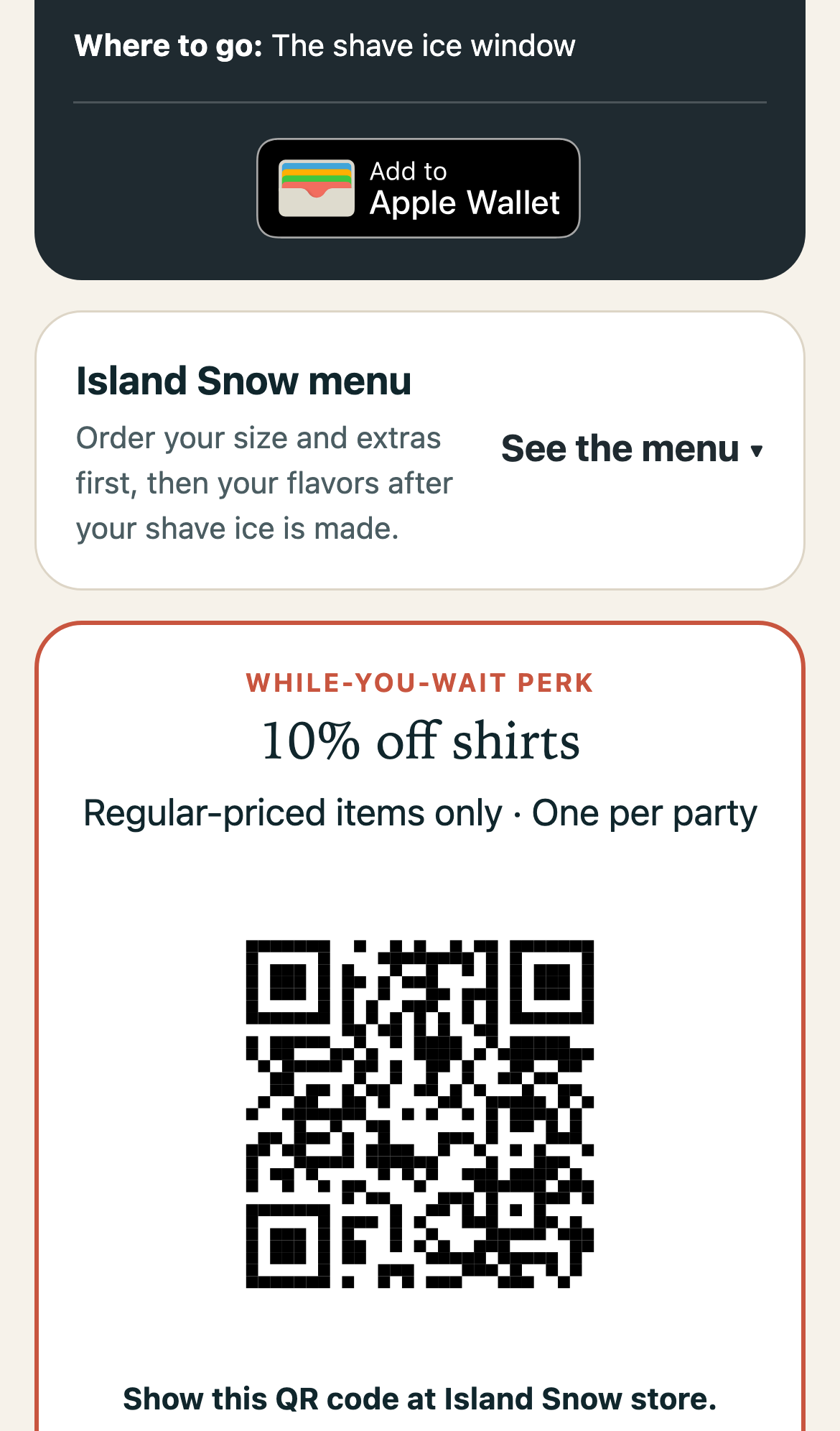
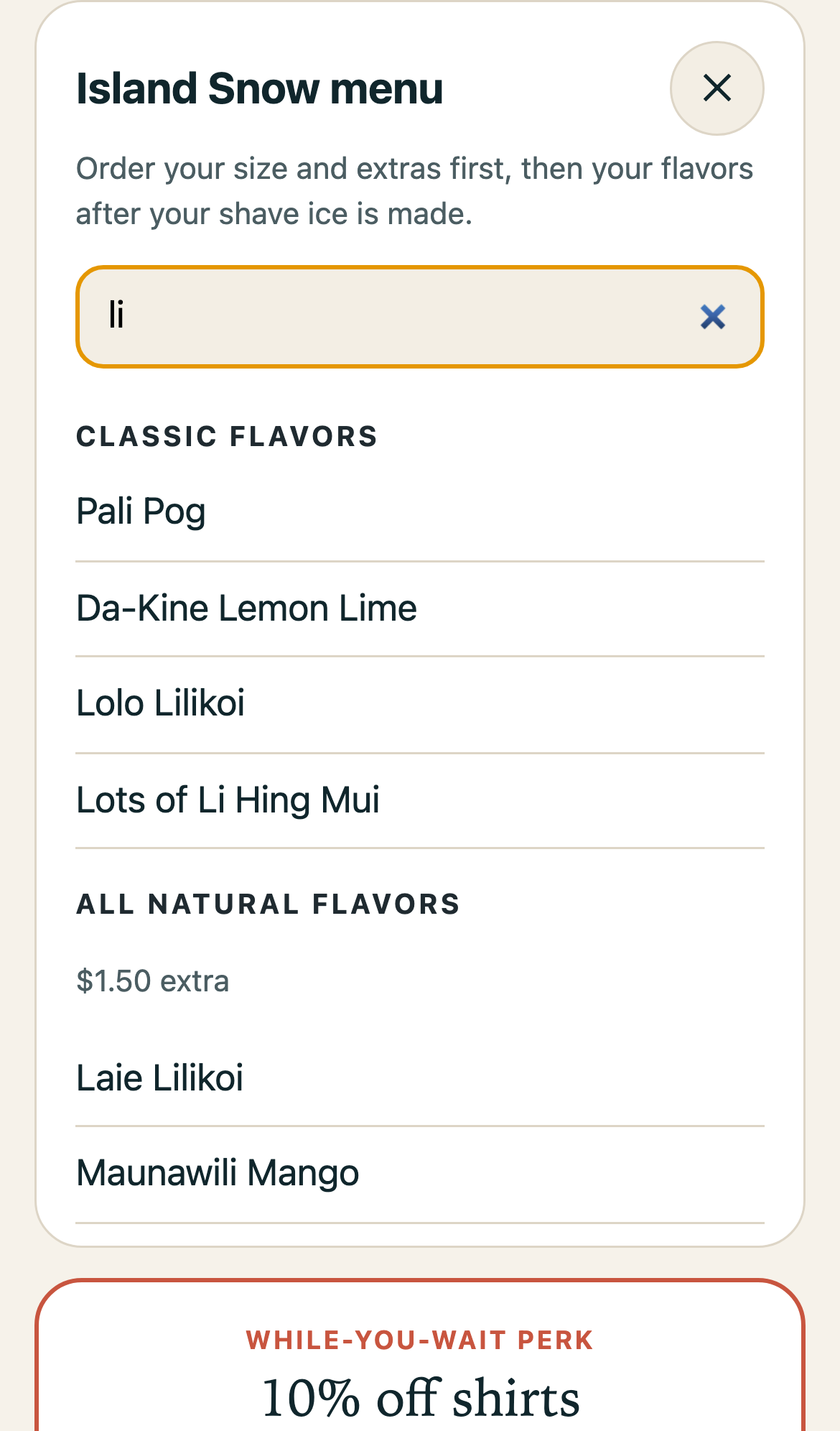
While they wait, customers get 10% off a regular-priced shirt in the store, can look through every flavor on the menu, and watch Island Snow’s videos, all without leaving the page.
“It’s your turn”
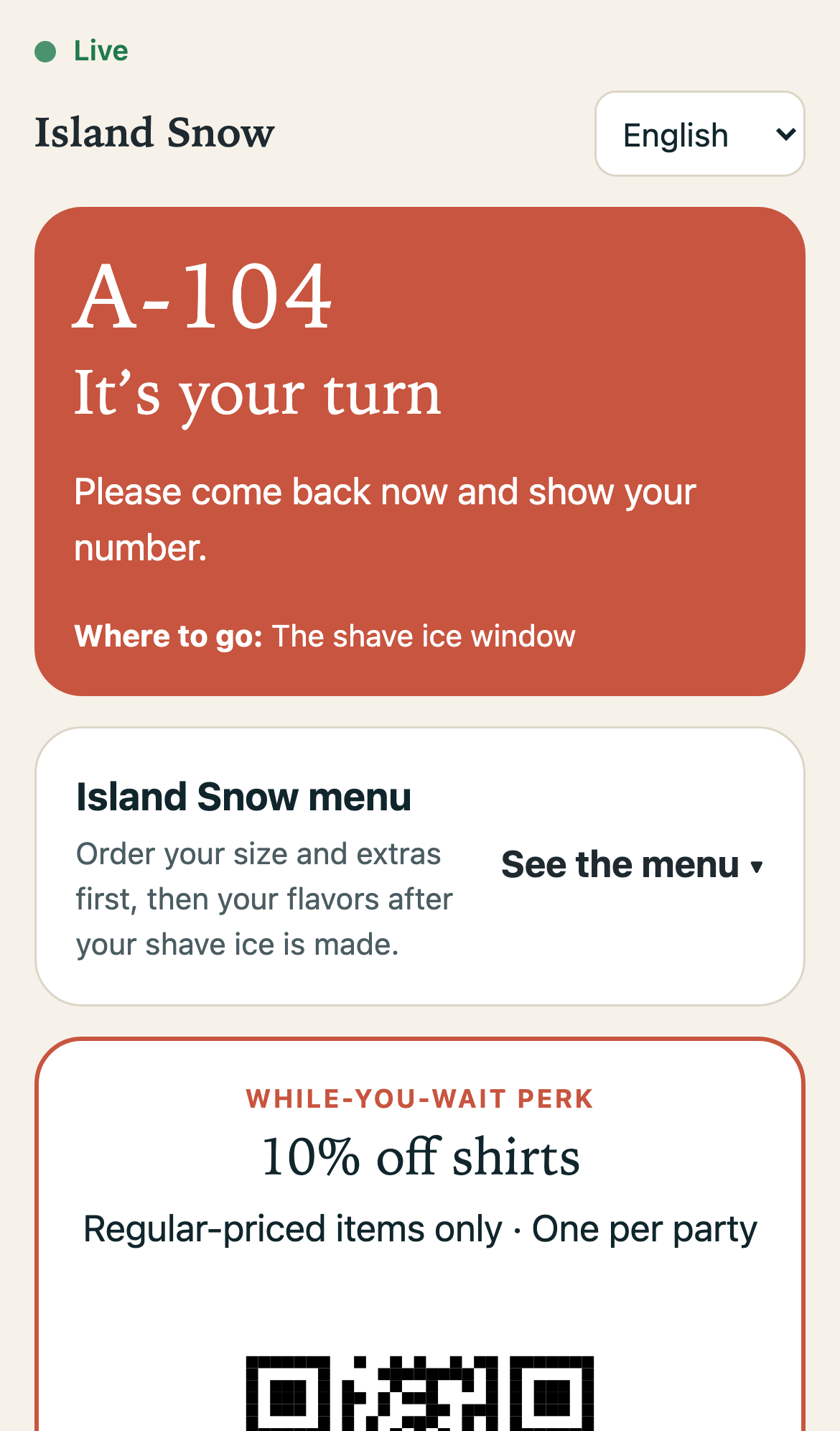
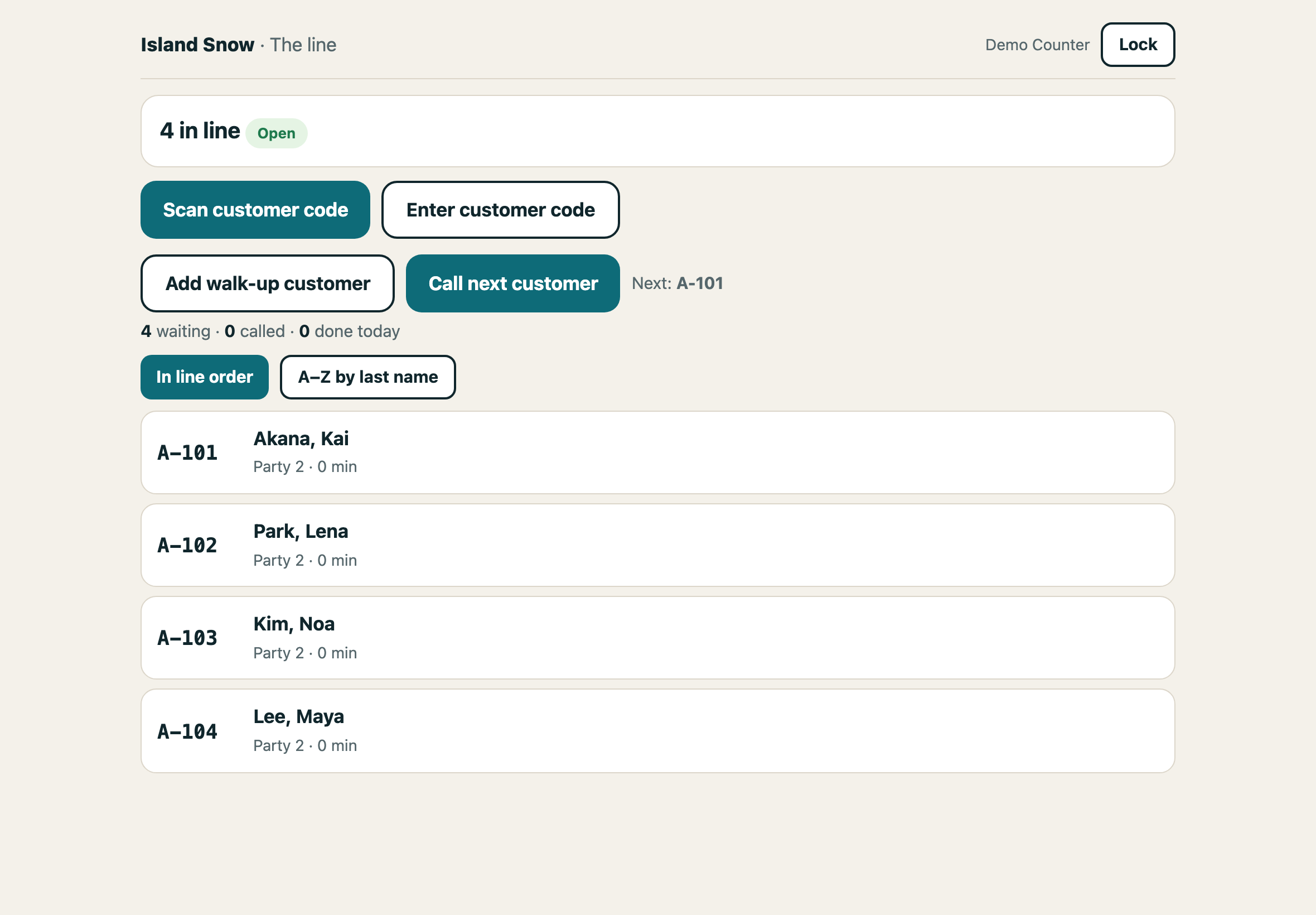
The counter taps Call next customer on an iPad. The customer’s phone chimes, even locked, and they come back and show their number. The counter taps Here.
Time in line becomes time in the store
Today the line waits outside. With a held place, customers walk into the store with a reason to buy: the while-you-wait perk. The store scans the perk’s QR code at the register, so it works once and every use is counted. The flavor menu opens right in the line page with search, so step 2 at the window goes faster.
The counter iPad
One iPad at the window runs the line. Staff see who’s waiting, tap Call next customer, and the customer’s phone shows it’s their turn. When they come up, staff glance at the number on their phone and tap Here. There are no codes to type. Walk-ups without a phone get a number too. There’s no cap on the line.
“It’s your turn,” even on a locked phone
Customers can add their place to Apple Wallet or Google Wallet with one tap. When the counter calls them, the alert lands on their lock screen, so they can browse the store or walk the block without watching a web page.

Why it fits Island Snow
Try it
Scan this with your phone camera to join the demo line for Island Snow. Open the menu, look at the perk, then wait a moment to see “It’s your turn.”
Managers sign in to change the perk, menu, videos and wallet pass. The counter iPad is set up once with a code, then staff sign in with their PIN.